Dashboards
The Dashboards page contains custom dashboards made of widgets, organized in folders.
Menu: Inventory › Dashboards
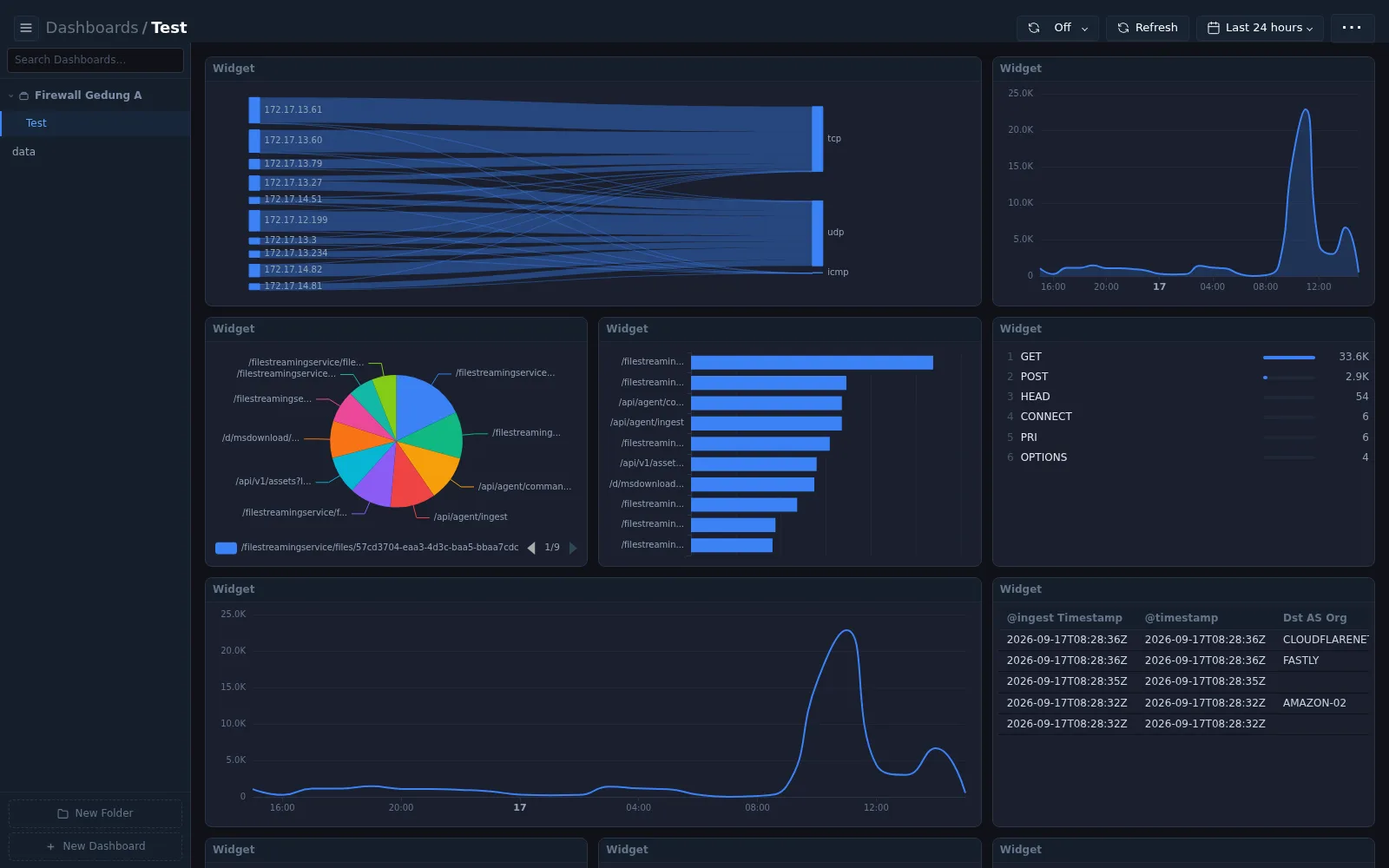
Organizing dashboards
The panel on the left lists folders and dashboards.
| Control | Description |
|---|---|
| Search Dashboards | Find a dashboard by name |
| New Folder | Create a folder to group dashboards |
| New Dashboard | Create a dashboard |
Select a dashboard to open it. The breadcrumb at the top shows Dashboards / dashboard name.
Viewing a dashboard
A dashboard displays its widgets in a grid. Widgets can present data in different forms, for example flow (Sankey) diagrams, line and area charts, pie charts, bar charts, ranked lists, and tables.
Dashboards use the same page controls as other pages: Auto refresh, Refresh, and time range. Additional dashboard options are available from the ··· menu: Edit Layout, Dashboard Properties, Duplicate Dashboard, Presentation Mode, Widget Slideshow, Export as PDF, and Delete Dashboard.
For a step-by-step guide to creating folders, dashboards, and widgets, see How to build a custom dashboard.