Detection Tuning
Menu: System › Settings › Detection Tuning
Detection tuning uses suppression rules to hide matching detections from every view.
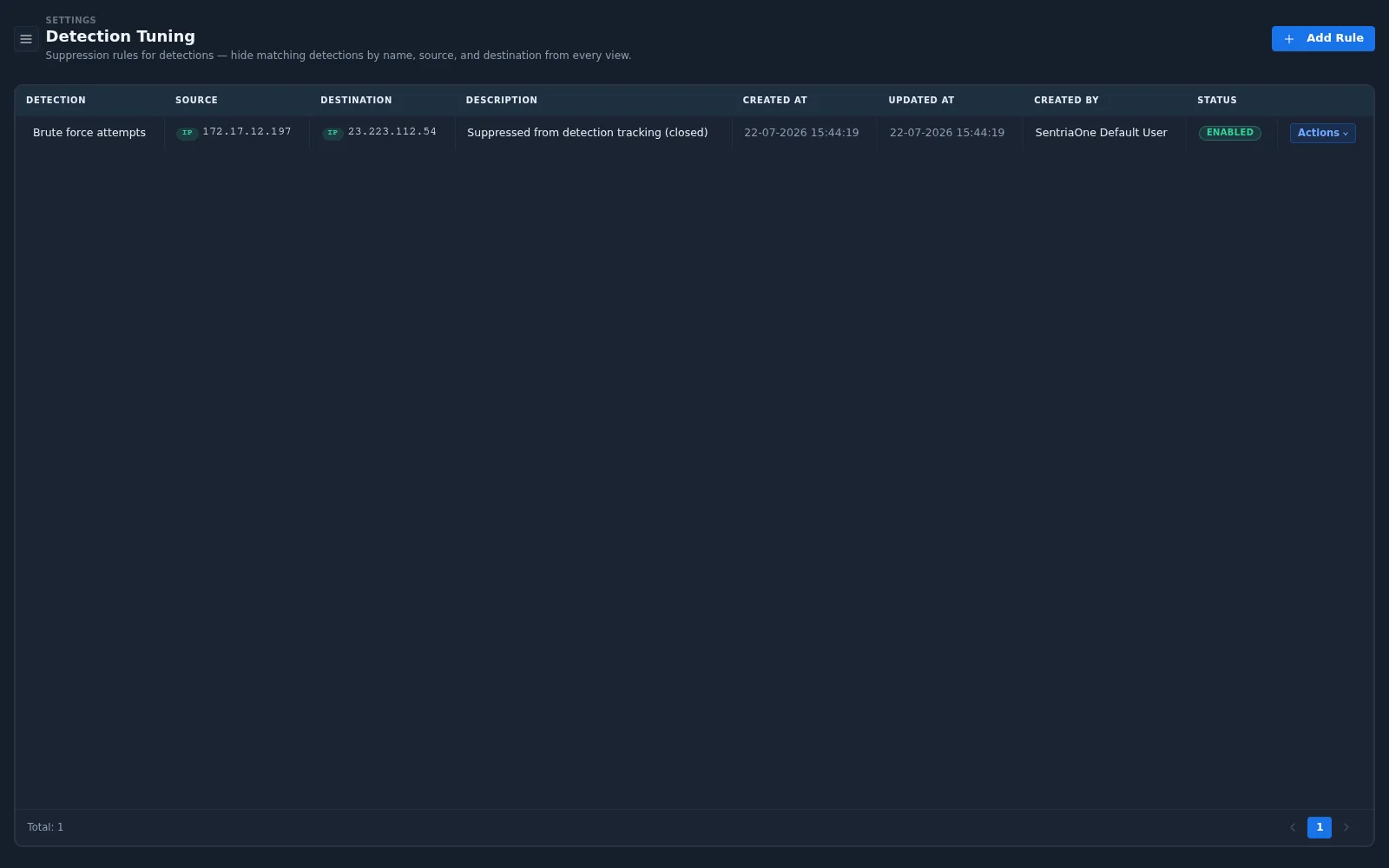
Each rule matches on:
- Detection name
- Source (for example an IP address)
- Destination (for example an IP address)
The rule list also shows the description, creation and update dates, creator, and status (for example ENABLED). Select Add Rule to create a rule, and use Actions to manage an existing rule.
caution
Suppressed detections are hidden from every view. Only suppress activity that has been investigated and confirmed as expected, and use a narrow source and destination.
To decide whether a detection is expected behaviour, follow the investigation workflow.