Records
The Records page searches the individual records collected by SentriaOne xSIEM, such as connections, DNS queries, HTTP requests, and TLS sessions. It is the evidence behind every chart and detection.
Menu: Inventory › Records
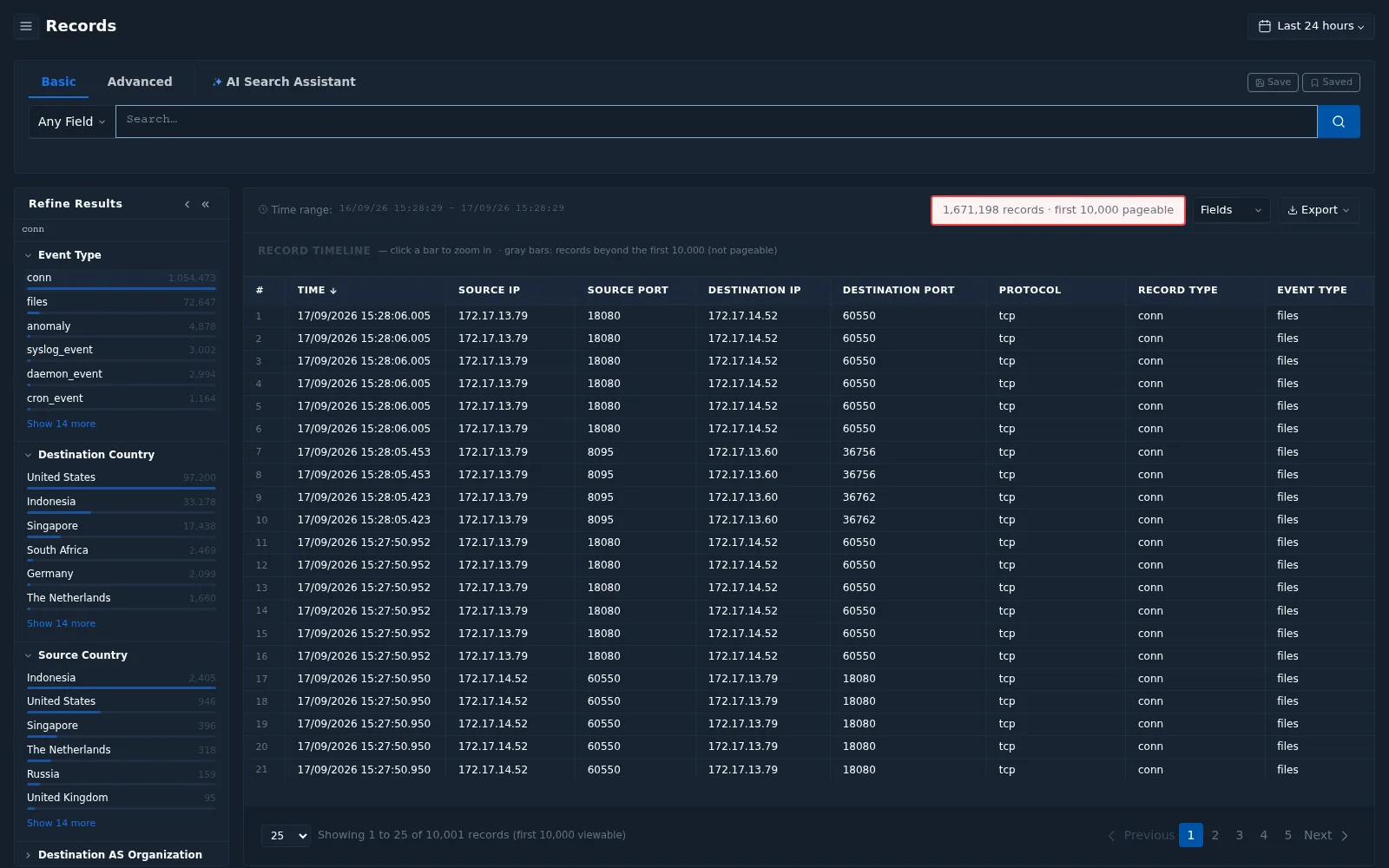
Selecting a data source
Select a data source before searching. Available data sources include:
| Data source | Records |
|---|---|
conn | Network connections |
dns | DNS queries and responses |
http | HTTP requests |
ssl | SSL/TLS sessions |
x509 | Certificates |
dhcp | DHCP activity |
ssh | SSH sessions |
rdp | Remote Desktop activity |
smb | SMB file sharing activity |
kerberos, ntlm | Authentication activity |
mssql | Microsoft SQL Server activity |
software | Software observed on assets |
asset | Asset information |
notice | Notices raised by traffic analysis |
When you open Records from a drill-down (Records links throughout the dashboard), the data source and filters are set for you.
Search modes
| Mode | Use it to |
|---|---|
| Basic | Search a value in Any Field or in a selected field |
| Advanced | Write a query using the query language. See Query Language Reference |
| AI Search Assistant | Describe what you are looking for in plain language. The assistant selects the data source and creates filters as badges that you can review and adjust. Suggestions such as High risk connections from external IPs last 24 hours are provided. See release notes 26.1 |
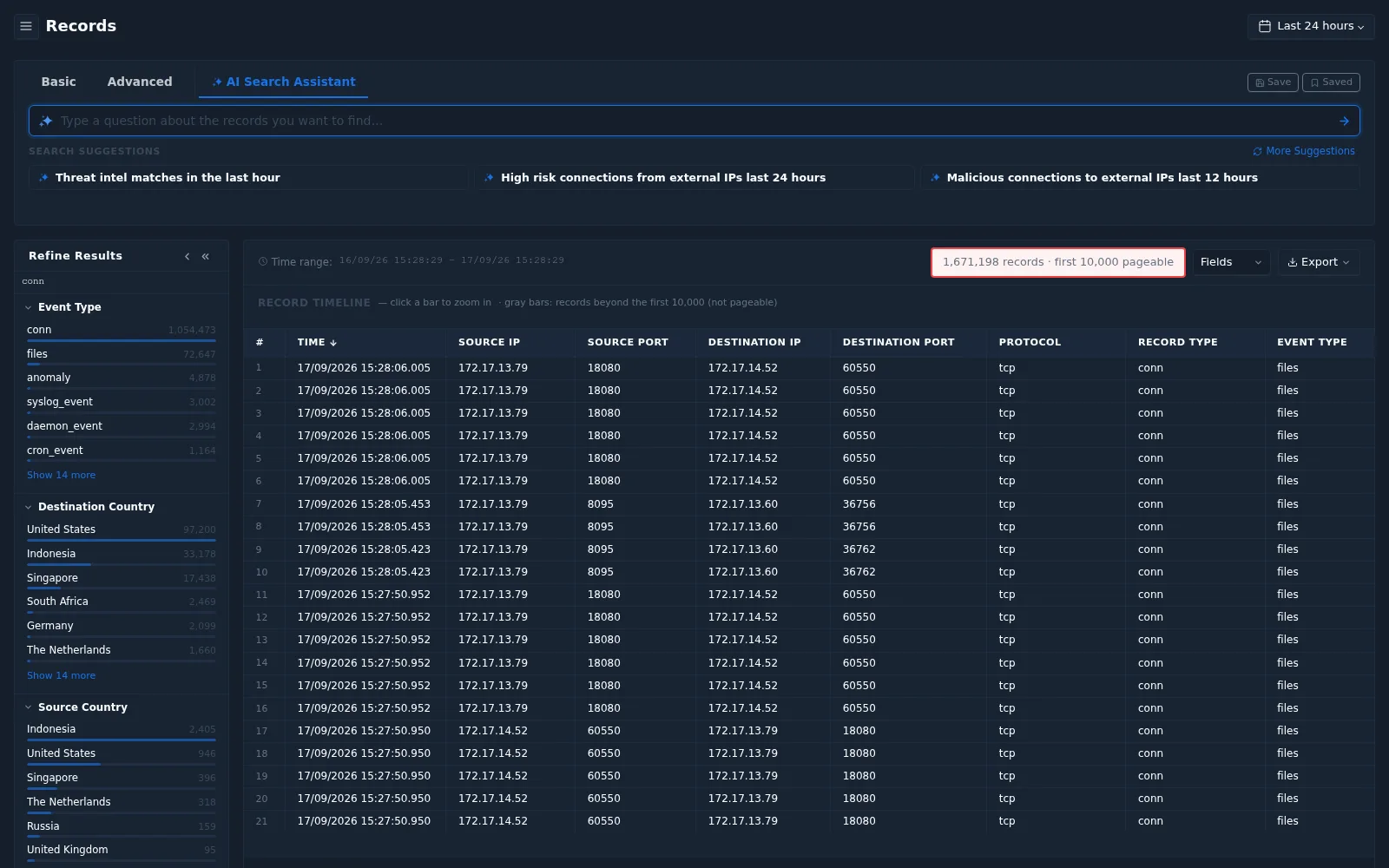
Use Save to store the current search and Saved to reuse a stored search.
Working with results
| Element | Description |
|---|---|
| Refine Results | Facets on the left, such as Event Type, Destination/Source Country, Destination/Source AS Organization, Entity IP, Asset Role, Asset Vendor, and Asset Device Class. Select a value to filter |
| Time range | The exact start and end of the search window |
| Record count | Total matching records. Only the first 10,000 records can be paged through |
| Record Timeline | Number of records over time. Click a bar to zoom in to that period. Gray bars are records beyond the first 10,000 |
| Fields | Choose which columns to show |
| Export | Export the results |
tip
If a search returns more than 10,000 records, narrow it with a shorter time range, facets, or a more specific query.